How To Clone My MAP Template on Miro
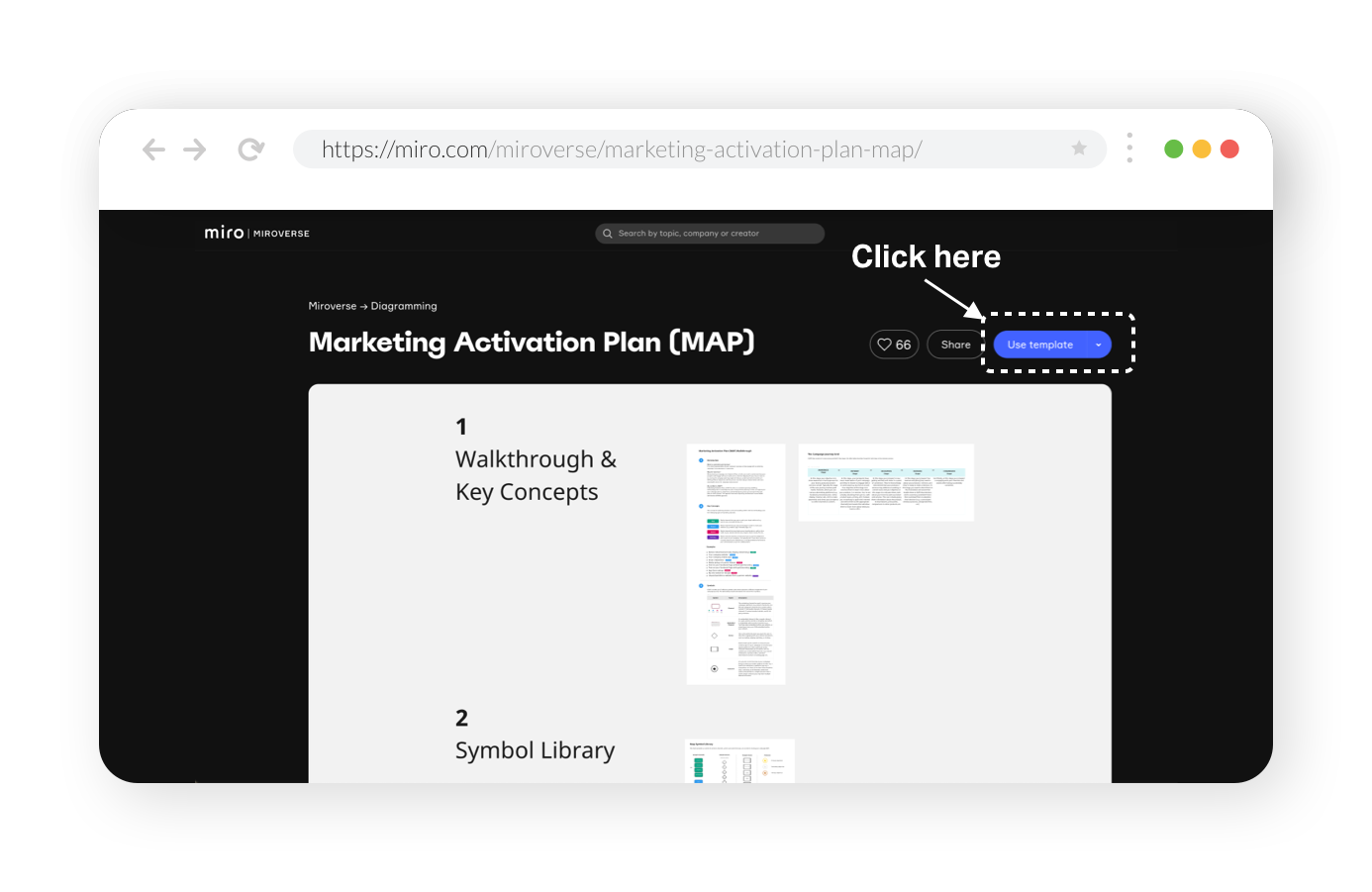
My Marketing Activation Plan (MAP) template is now available within Miro’s creator community, known as the Miroverse. This means you can easily go to the Miroverse website to clone the MAP template and use it within your own account.
Steps to clone the template
Step 1
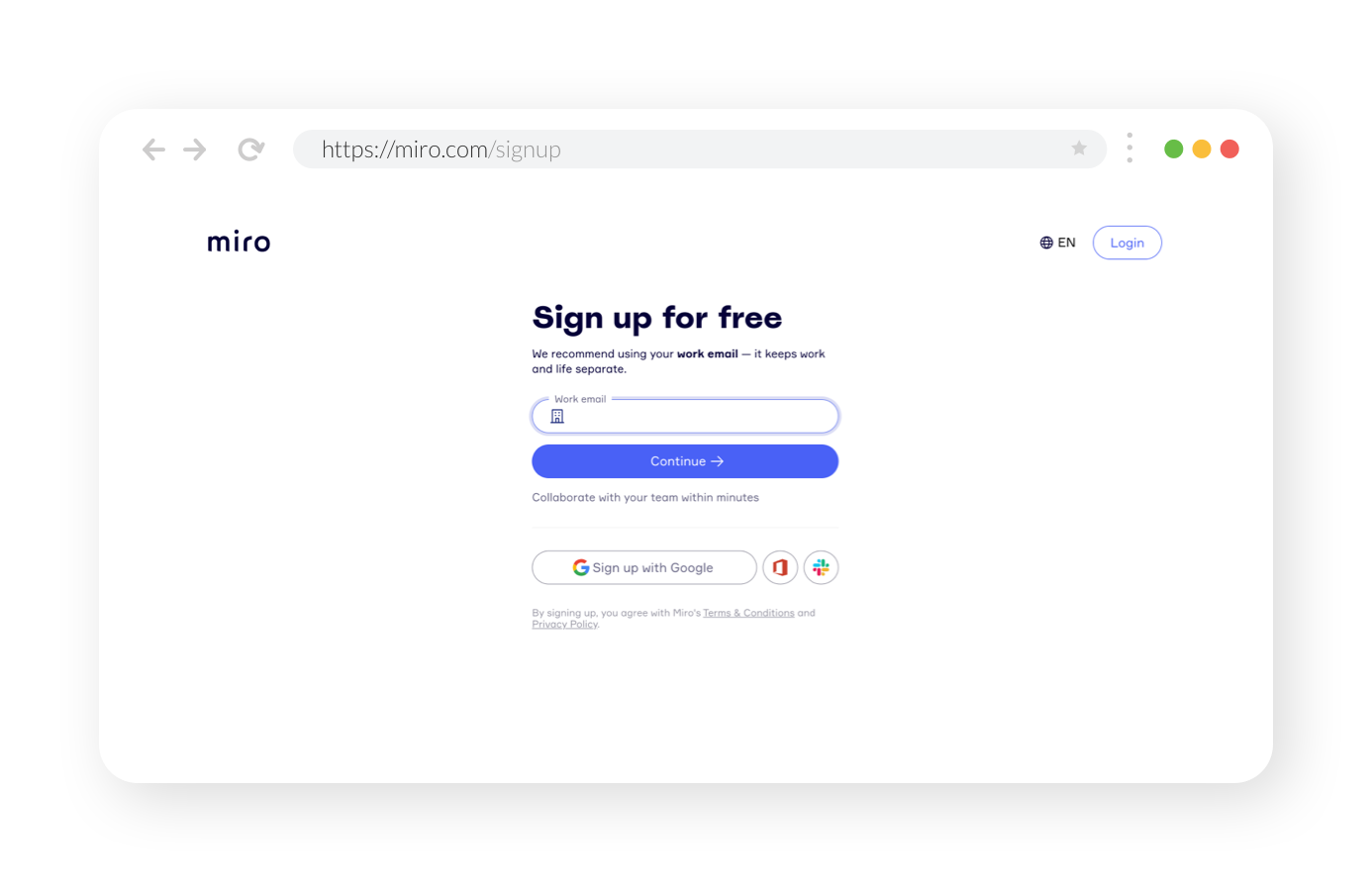
First, you will need to sign up for a free MIRO account, which you can do here via the following link - miro.com/signup
Step 2
After you’ve signed up for a free account and signed in, you can find my template by either going to Miroverse and searching for “Marketing Activation Plan (MAP)”, or button below to go straight to the template landing page.

Step 3
From the MAP template landing page, click “Use Template” and follow the instructions. And that's it! You will now have access to a fully editable version of the MAP/Miro board within your account.